 ATS
Free for 30 days · 🎙️ voice typing · 13 templates · no card required
Pickadirection.Buildarésuméthatlands.
résumé
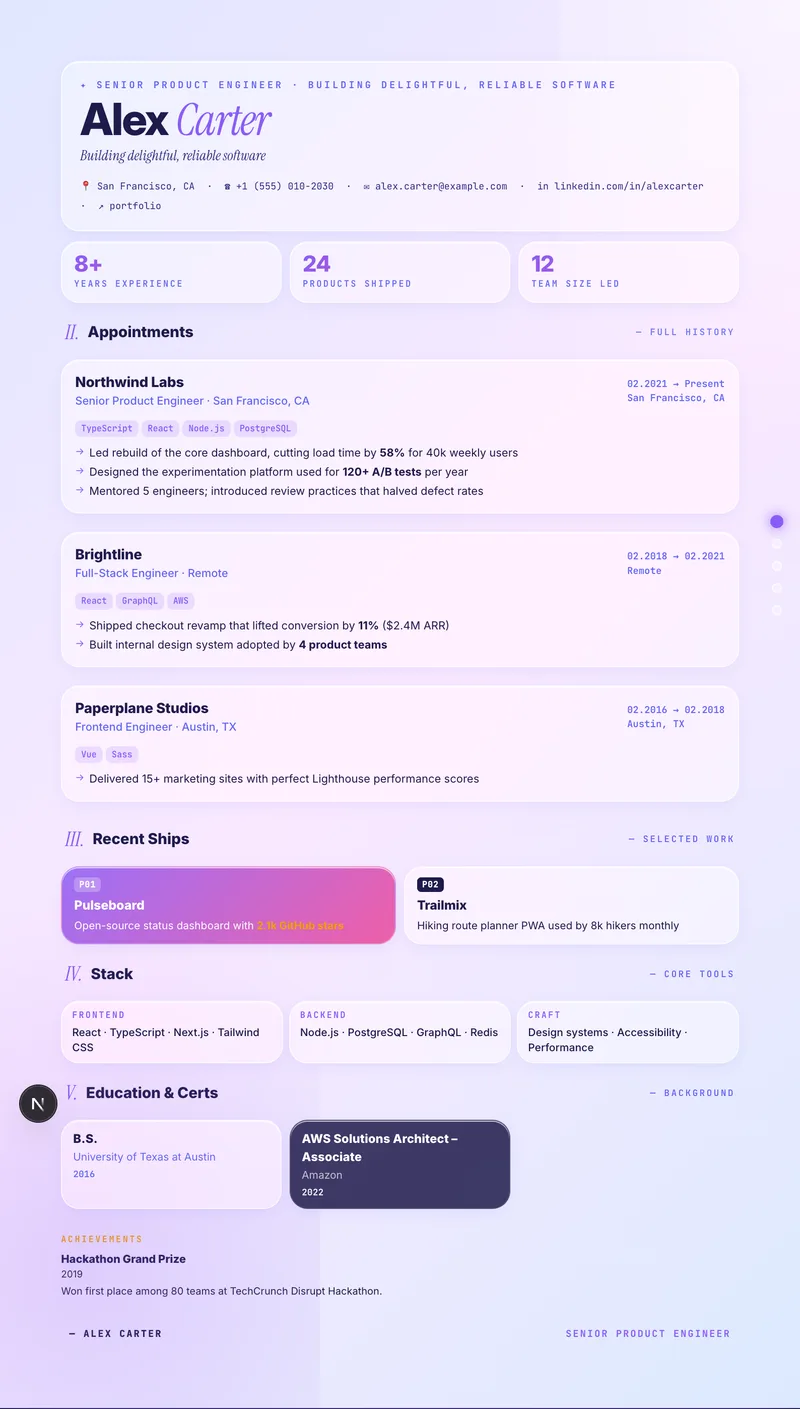
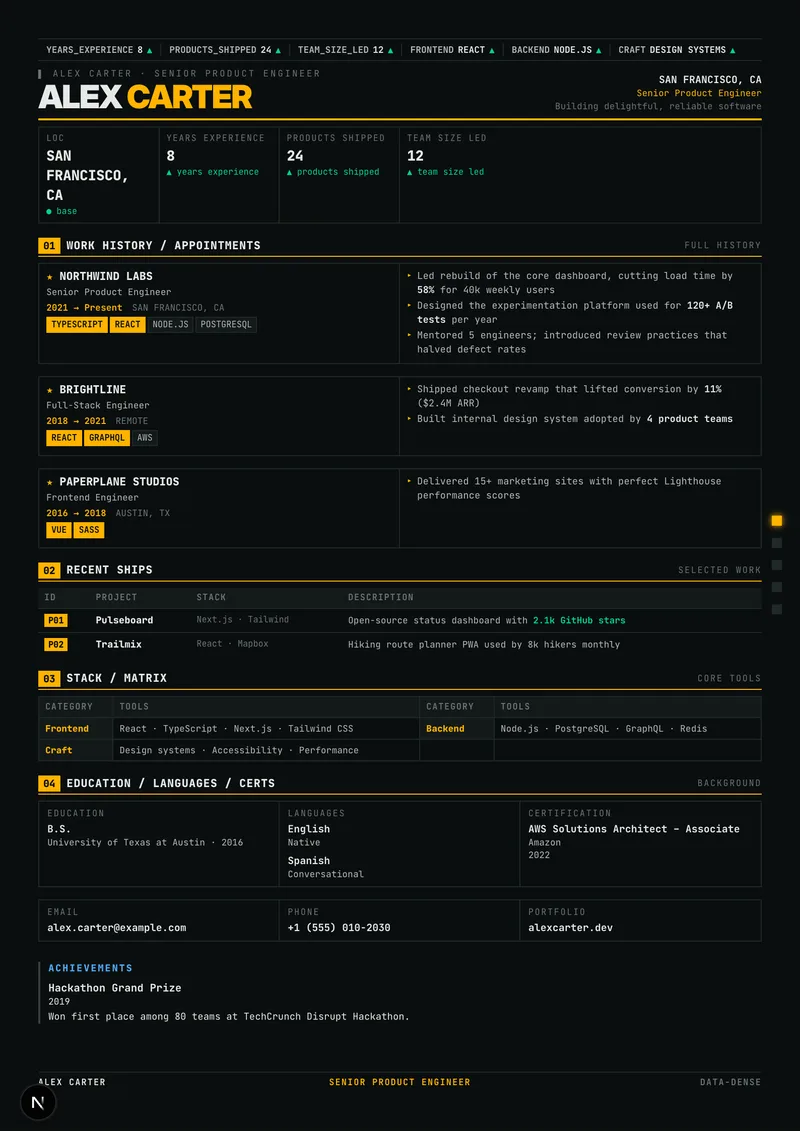
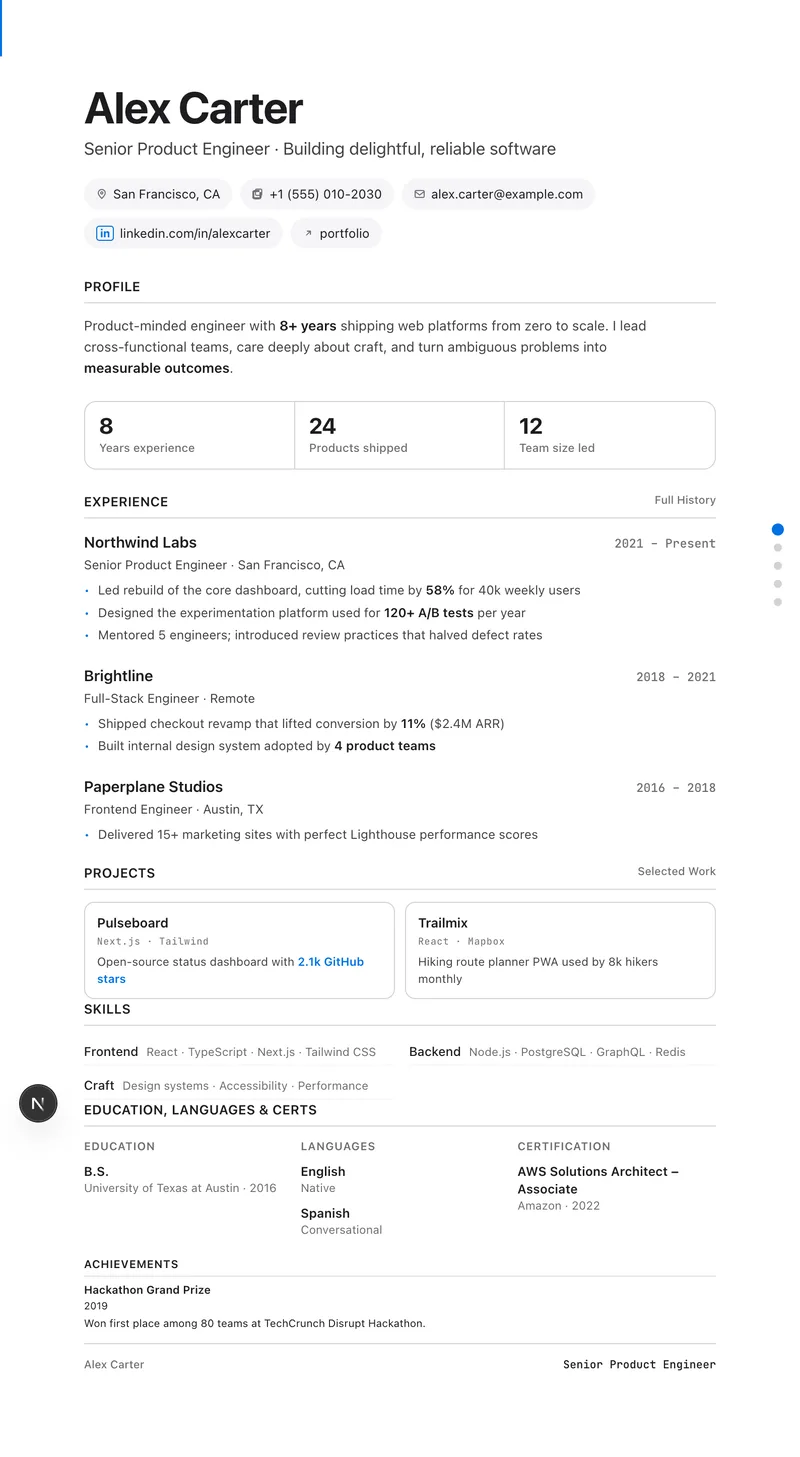
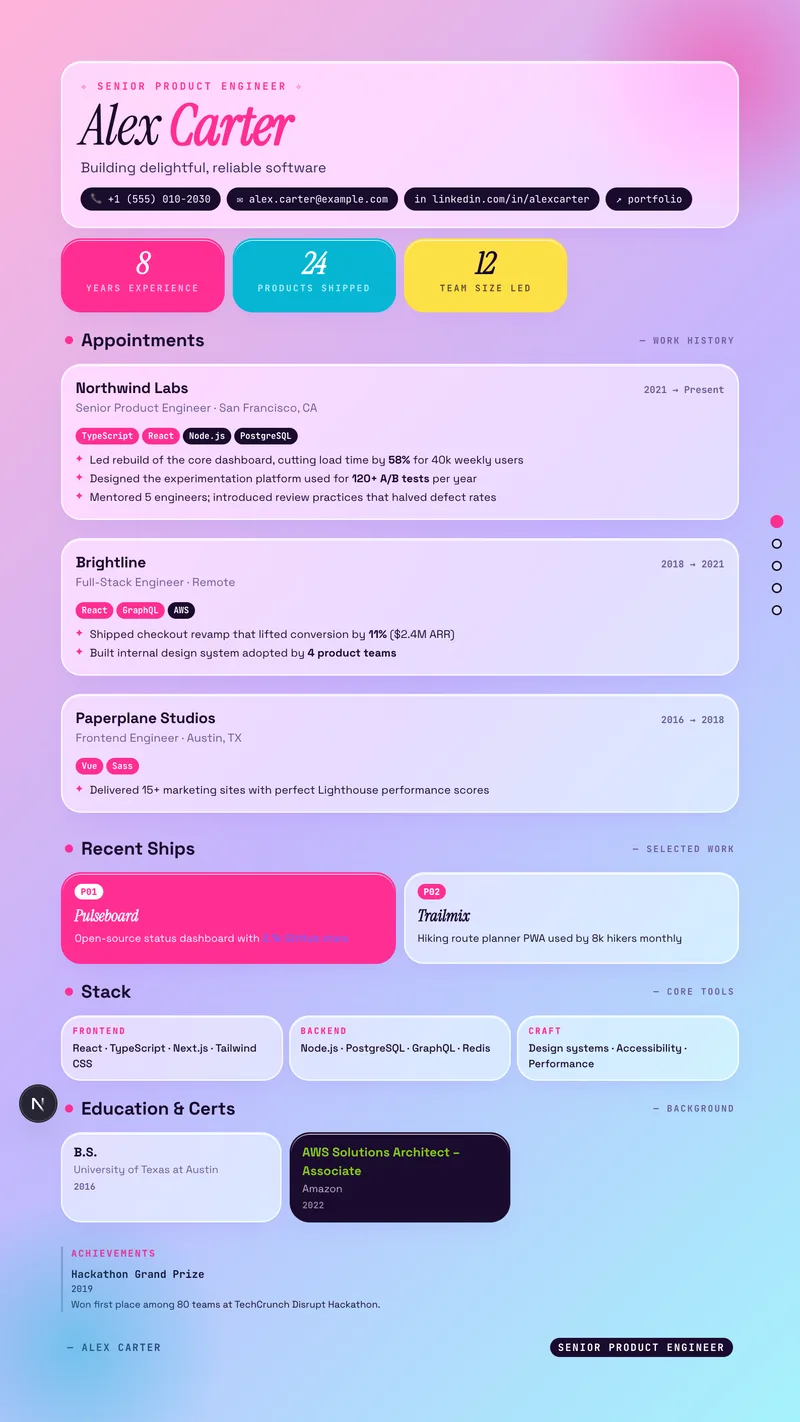
Thirteen deliberate templates, one cloud studio. Edit with a live A4 preview, tune accent and density, and print a perfect PDF — your résumés sync to your account and export any time. New: dictate it instead — click the mic, speak naturally, and watch polished prose land in the field.
Templates
Style categories
Free trial
Cloud résumés
NewDrag-and-drop sections⌘K command paletteMulti-resume
The templates.
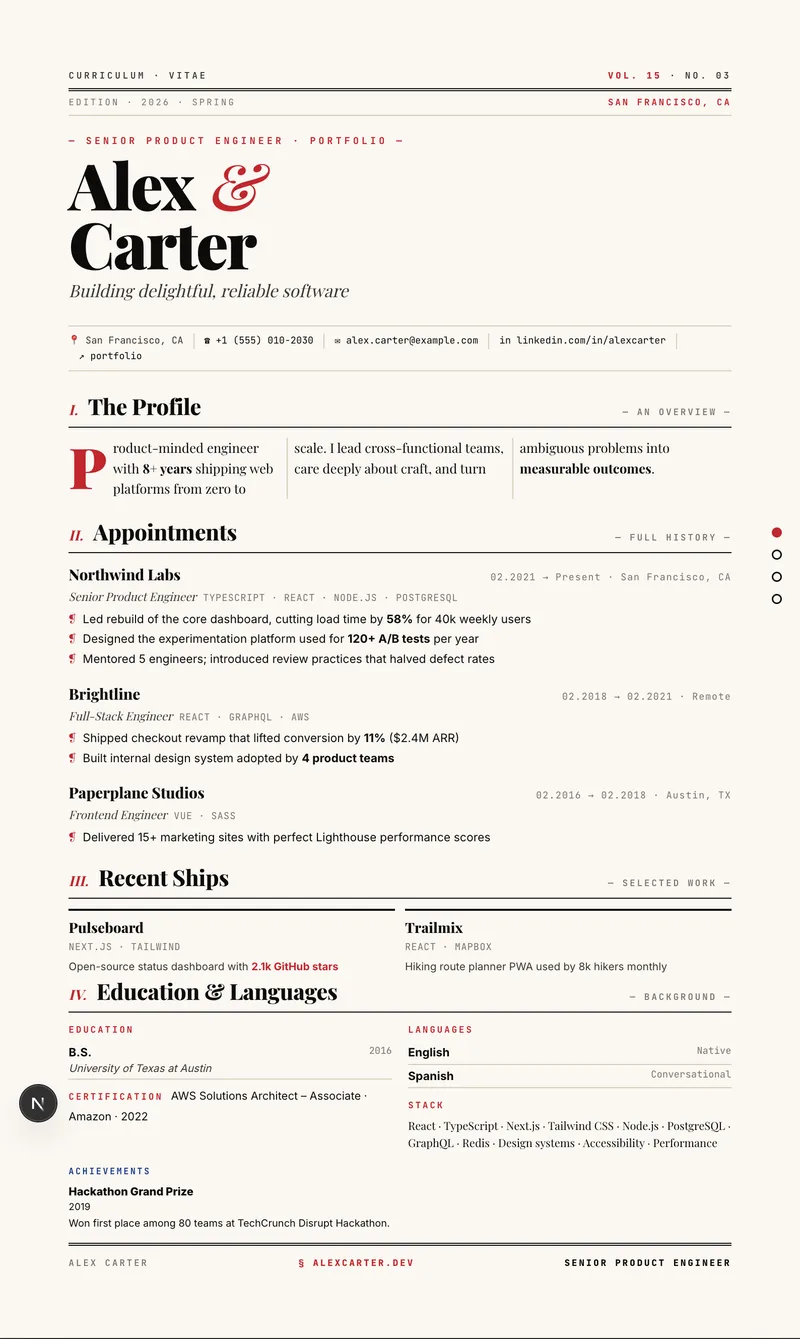
Template of the week: Magazine13 / 13
Filter
ATS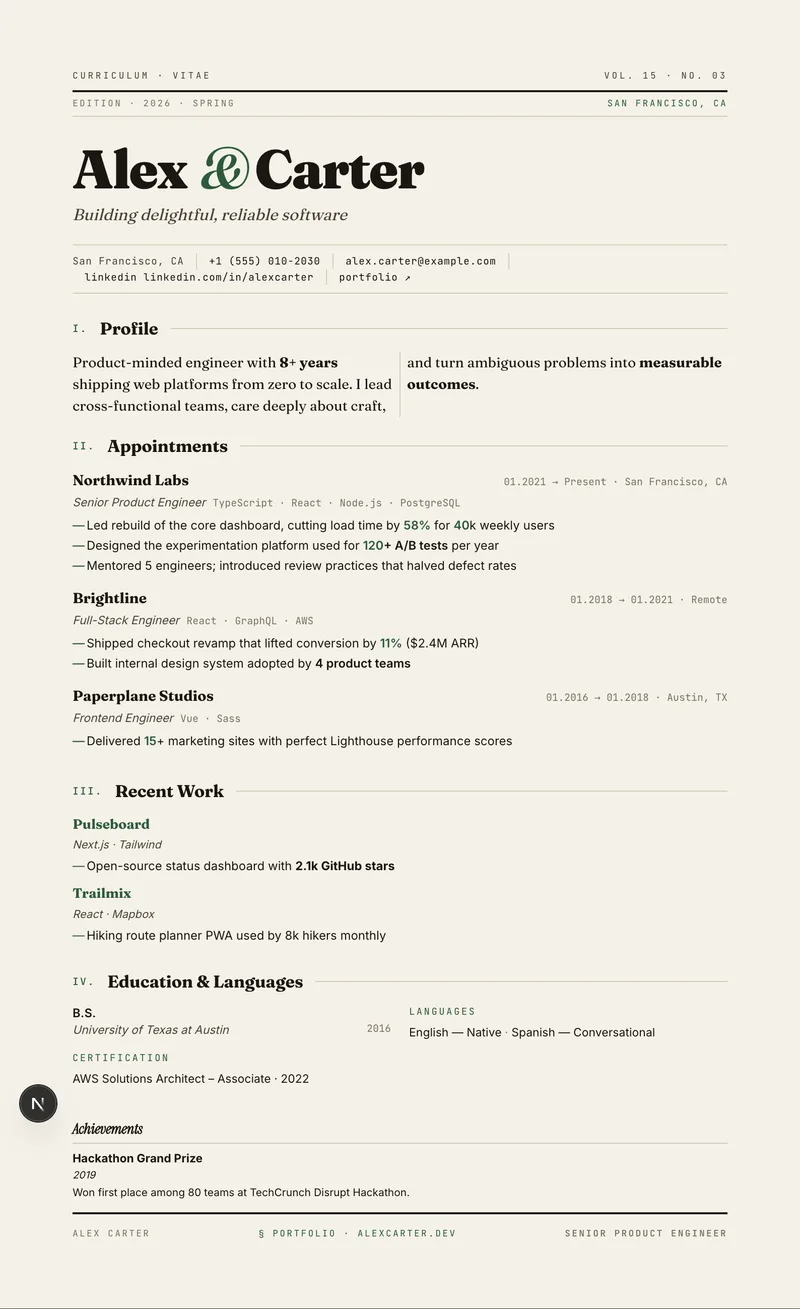 ATS
 ATS
 ATS
 ATS
 ATS
 ATS
 ATS
 ATS
 ATS
 ATS
How it works.
Step 1 · Pick
Pick a template.
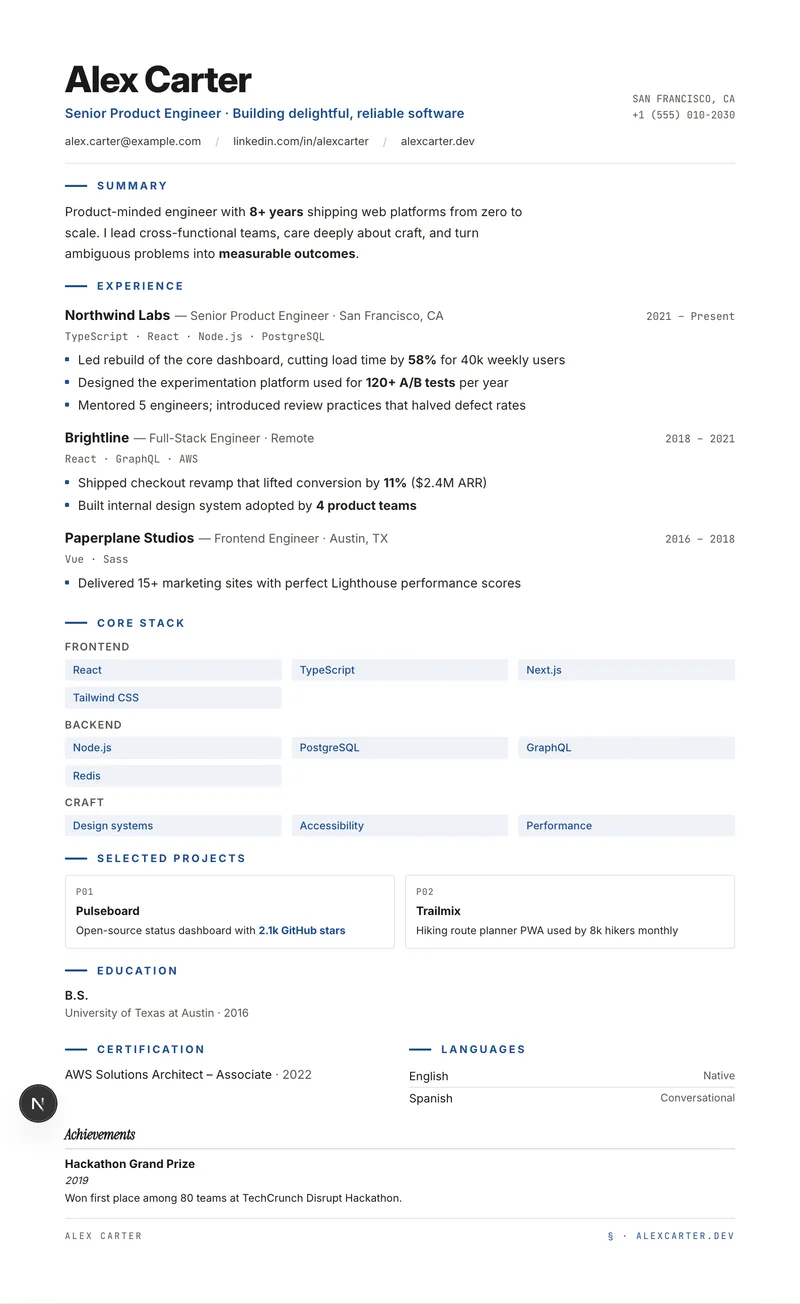
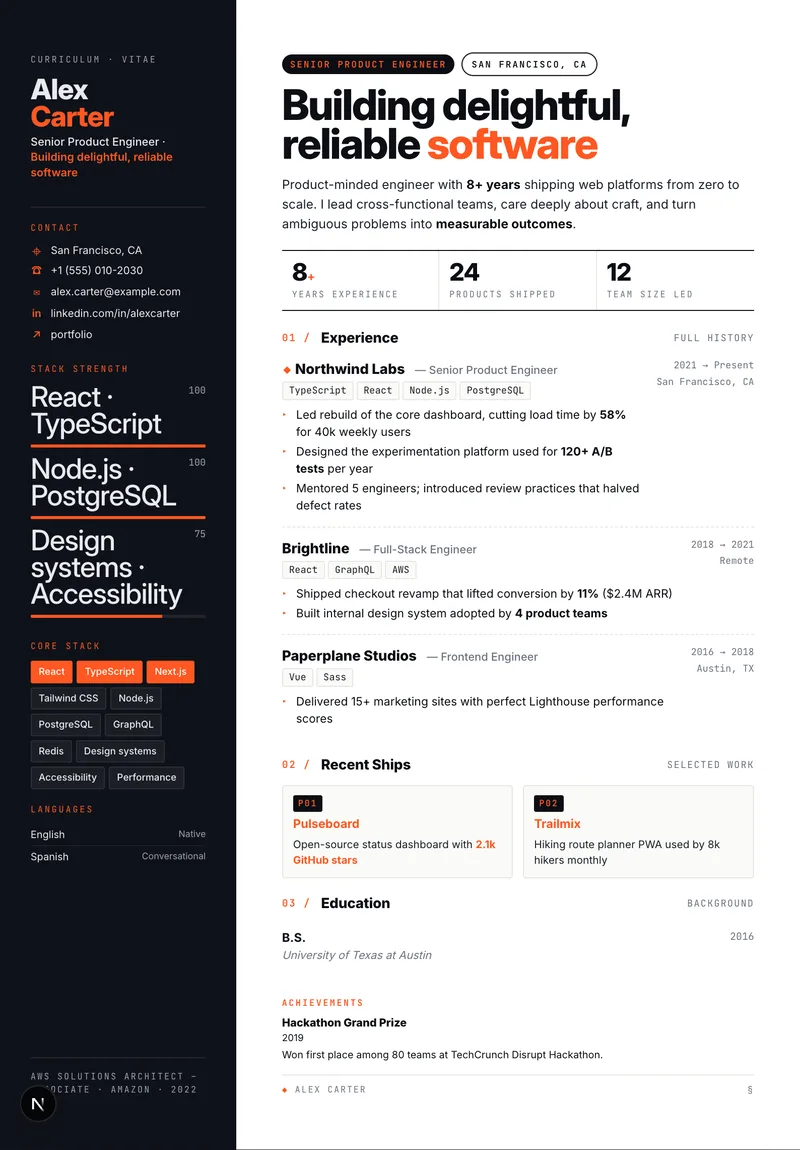
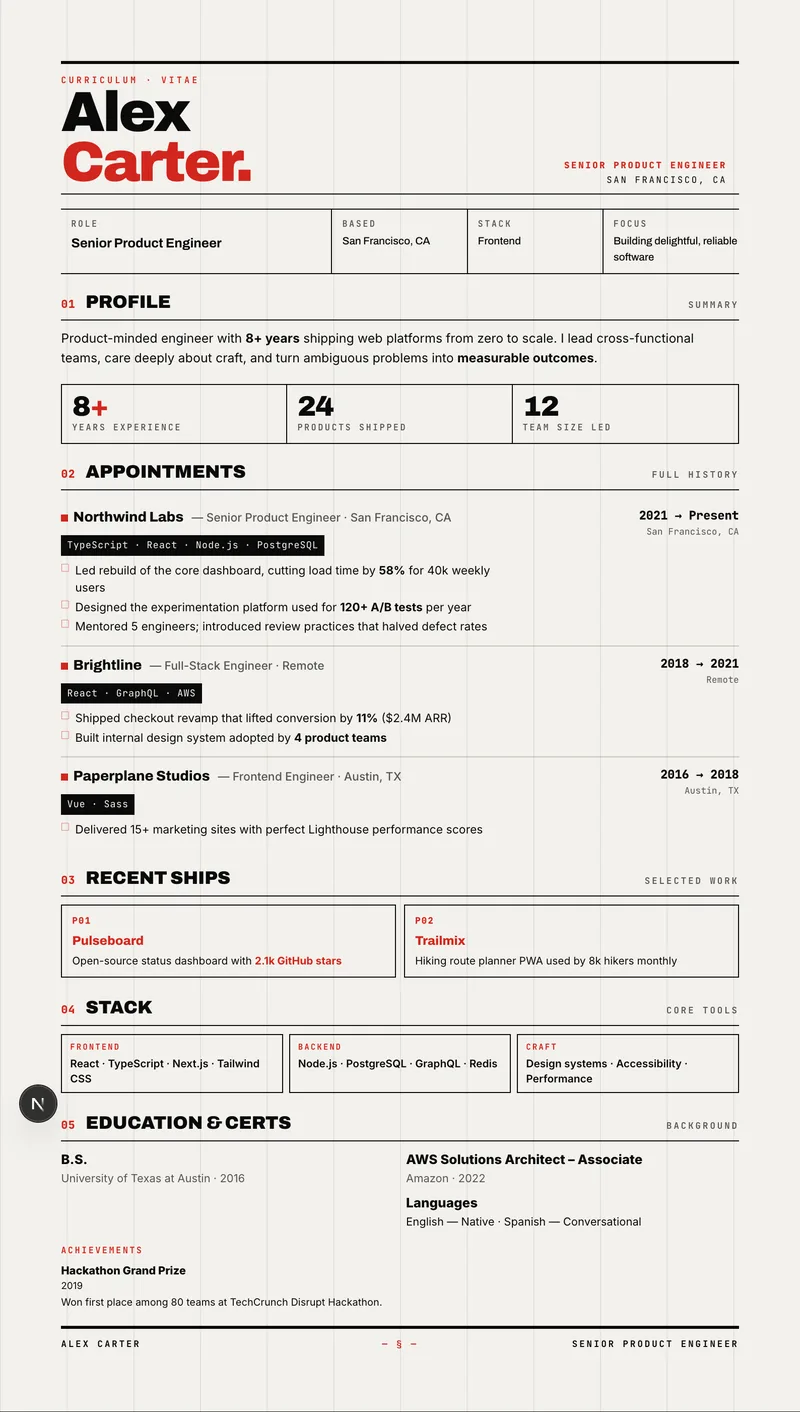
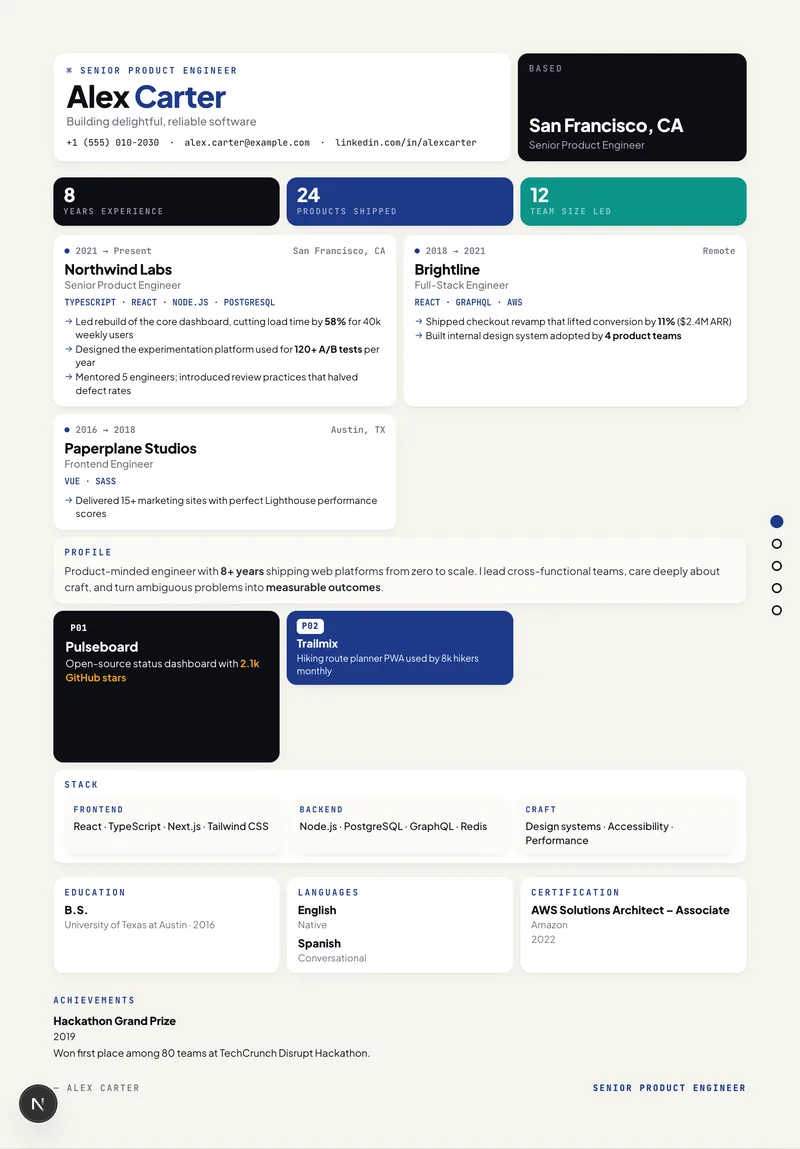
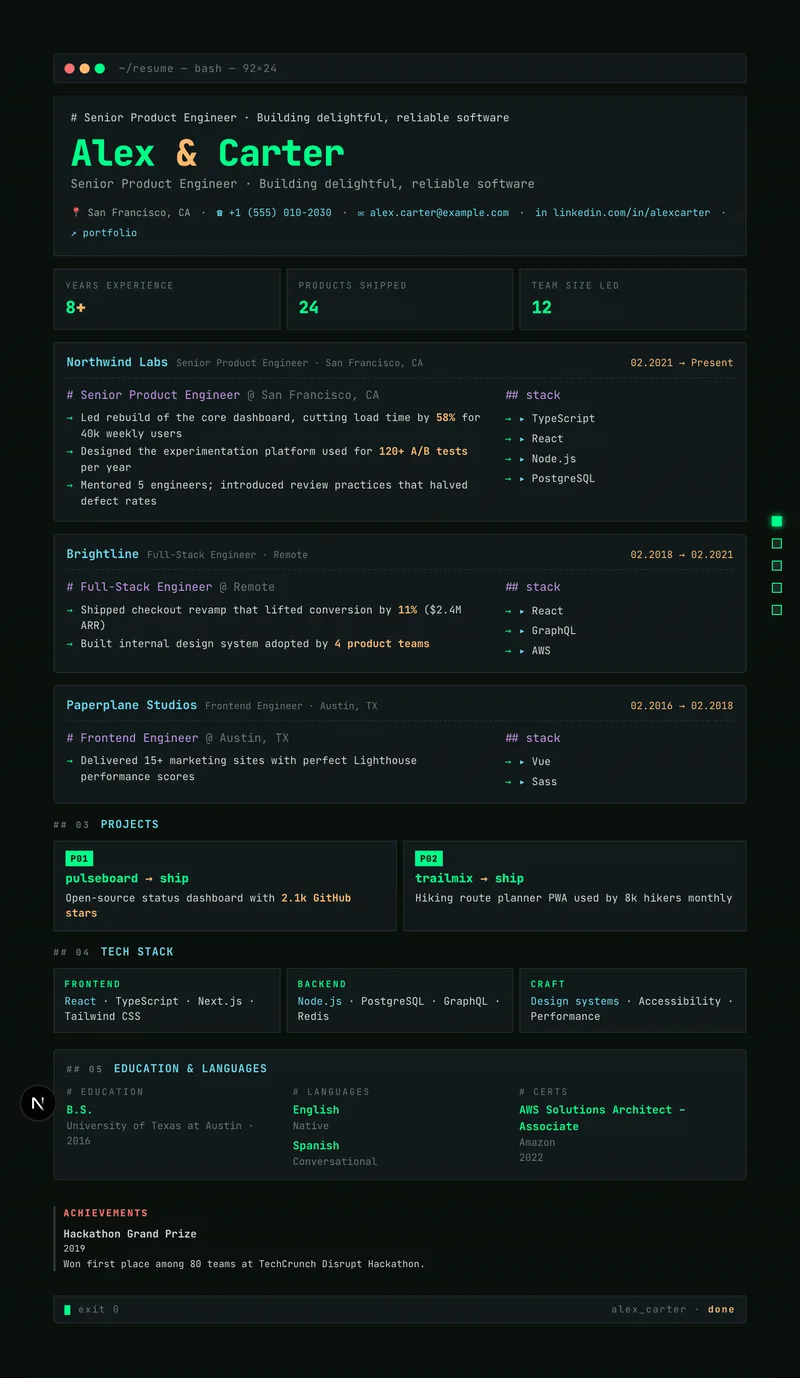
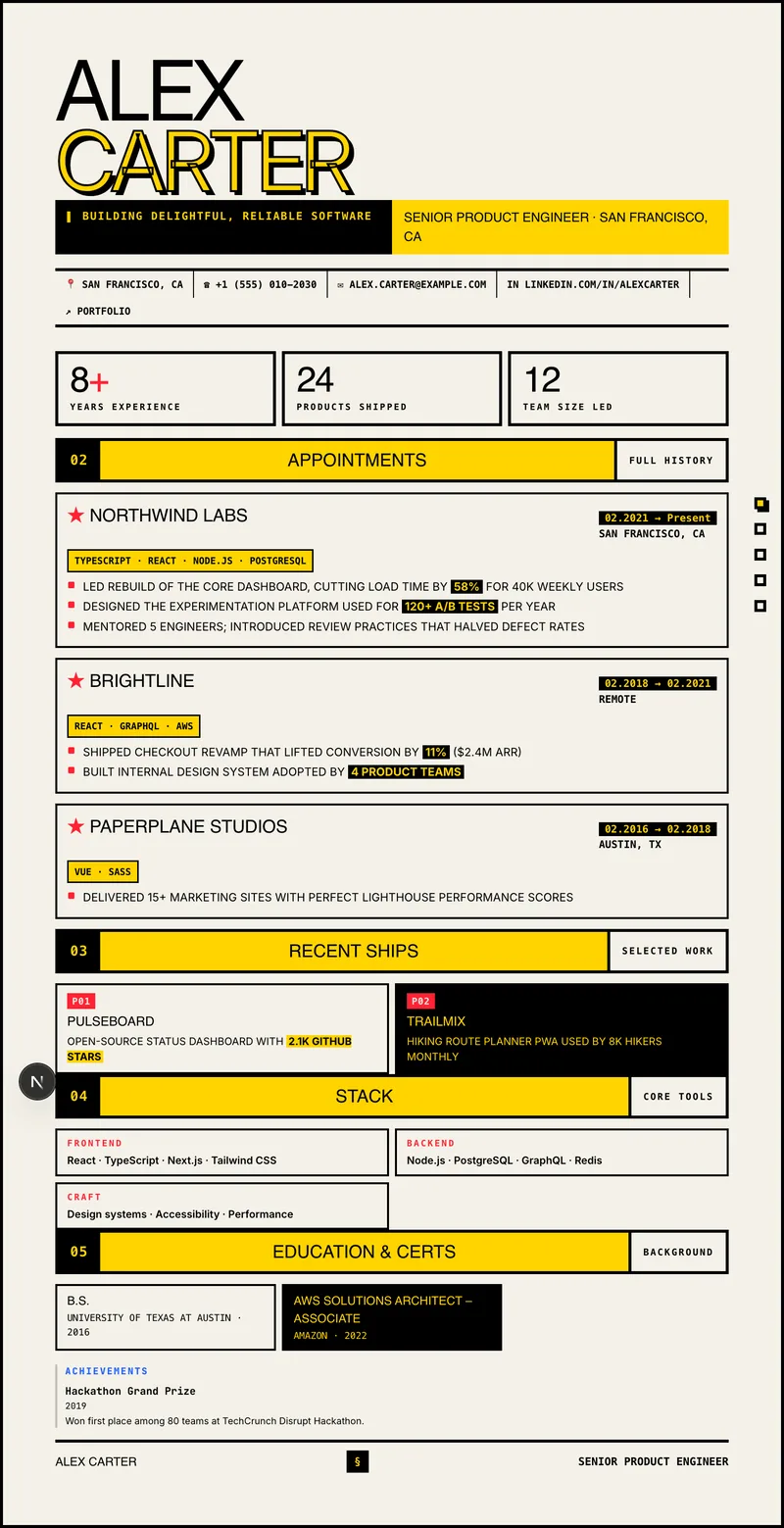
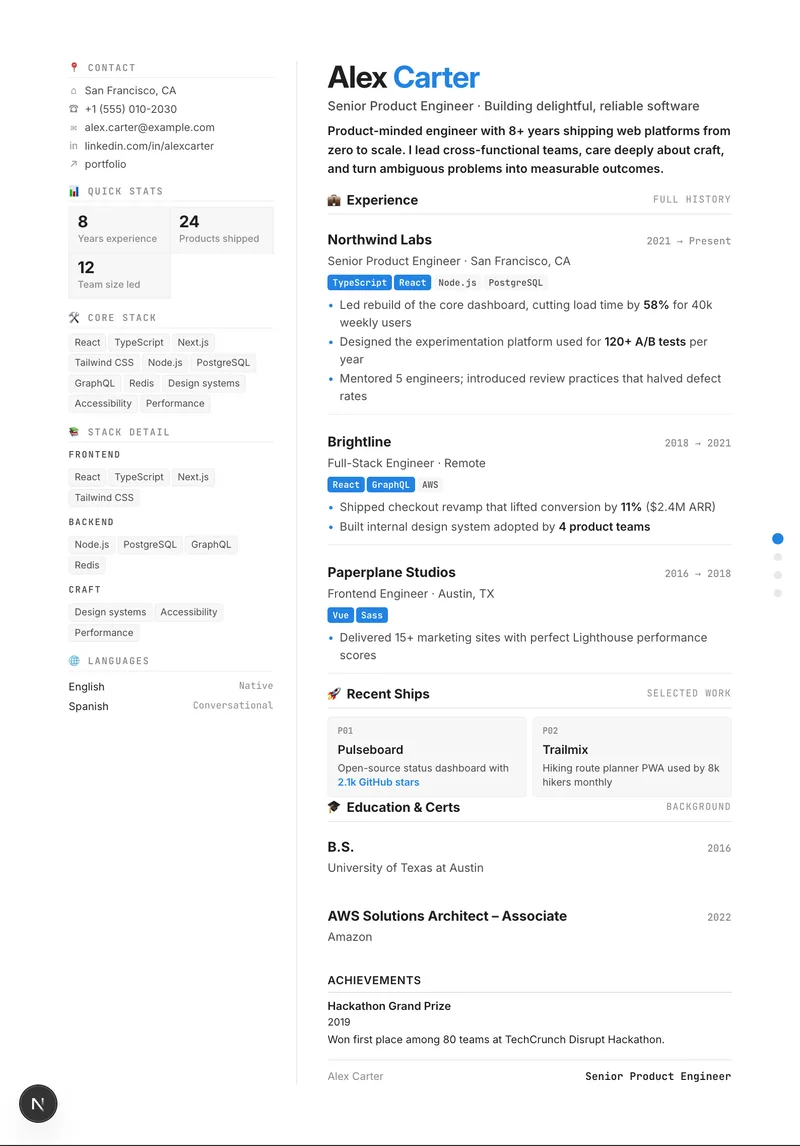
Thirteen deliberate directions — from a sober, ATS-safe Classic to a louder Brutalist or Y2K. Each is a complete design language with its own typography, accent and density.
What you get.
Six things that are true today — click any tile for the details.
Speak it. We'll write it.
Voice typing in every field.
13 templates, one click apart
Classic, Editorial, Bold, Swiss, Bento, Terminal…
Live A4 preview
Type, watch the page update.
AI improvements (optional)
An assist, never a requirement.
Cover letter studio
The letter that goes with it.
PDF, TXT & JSON export
A4 or Letter, straight from the browser.
Your data, portable
Sync when you want, export always.
Questions, answered.
- Yes — every text field in the builder and cover-letter studio supports voice typing. Click the mic, speak naturally, click again; fillers and false starts are cleaned automatically. Works on Mac and Windows — Chrome or Edge recommended.
- A résumé and cover-letter studio with 13 templates and cloud sync. Same content, thirteen visual languages — pick the one that matches the room.
- Yes — print-perfect PDF (A4 or Letter) straight from the browser's print pipeline, plus TXT export and JSON import/export for backups.
- Drafts live in your browser; saved résumés sync to your account, encrypted in transit, backed up nightly. Voice dictation is transcribed on models we host ourselves — audio is processed transiently, never stored or used for training. Export or permanently delete everything any time from Settings.
- AI assist rewrites individual fields on request. It is optional and currently disabled on this deployment — the full editor works without it.
- Match the room: Classic for ATS-safe applications, Editorial for senior ICs, Bold for founders, Terminal for engineering teams, Glass or Y2K for creative roles.